
PIC? IFR? Total time? Or just SIM? Sim sessions are one of the most common sources of logbook mistakes. Here's how to log them, with five real scenarios.

The basics: sim time is not flight time
Under EASA, flight time is reserved for flights in real aircraft, not for sim sessions. FSTD sessions get their own section in the logbook: device, date, session time and a separate accumulated total.
So a 4-hour sim adds 0:00 to your total time of flight and 4:00 to your FSTD sessions. PIC, co-pilot, IFR, night and landings are flight time columns. A sim session fills none of them.
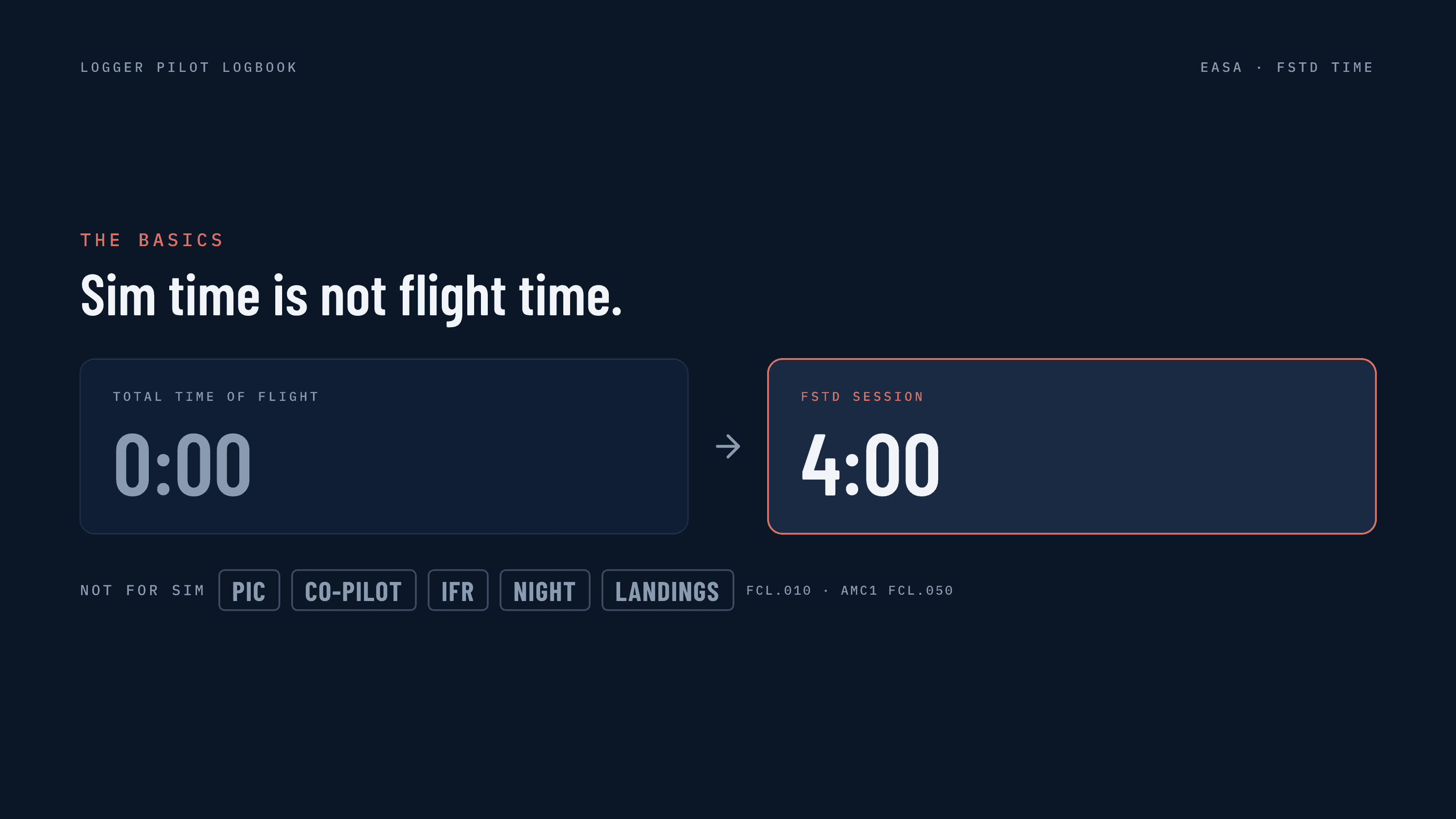
Reference: FCL.010 · AMC1 FCL.050
Q1: Type rating sim. 4-hour slot, PF for half, PM for half
Answer: SIM 4:00. Log the whole session, not just your PF half.
Session time covers every exercise in the device, including pre- and after-flight checks. Pilot function doesn't apply in a sim, so there's no PIC or co-pilot split. In Logger, create a sim entry and most fields that aren't relevant are hidden automatically.
Device: Enter the aircraft type and the device's qualification number. It's on the FSTD qualification certificate. Ask your ATO or your instructor/examiner if you can't find it.
Q2: 1 hour briefing, 4 hours in the sim, 30 min debrief
Answer: SIM 4:00. Only the time in the device counts.
AMC1 FCL.050 defines session time as the exercises carried out in the device. Briefing and debriefing happen in the classroom. Your ATO tracks those in its training records, not in your logbook.

Watch out: Your booked slot isn't your session time. Log what you actually did in the device.
Q3: IR course in an FNPT II. Two hours of approaches
Answer: SIM 2:00. Instrument ground time, not IFR.
IFR time is flight time under IFR. A sim session is instrument ground time. Enter the type and sim registration and note the IR training in Remarks: instrument time for a licence or rating always goes there.
Instructor: Instrument ground time counts when it's certified by the instructor who gave it. Have them sign the entry. In Logger you can also log instrument ground time under simulated instrument time. It will show as IR time on the EASA Expanded + IR PDF layout. Always confirm with your ATO how to log this.
Q4: LPC/OPC in the sim, plus 3 landings for recency
Answer: SIM + Remarks. Session time goes in SIM. The check and the landings go in Remarks.
Every skill test and proficiency check must be recorded in Remarks with the type of exercise. FCL.060 accepts FFS landings for 90-day recency, but FSTD entries have no landings field. Note them in Remarks as evidence.
FFS only: Only a full flight simulator counts for recency. Landings in an FNPT or FTD don't.
Q5: 1,480 hours flown, 120 in the sim. Can I add them up?
Answer: Never add. Two separate totals. Credit only comes when you apply.
FSTD time has its own accumulated total and never goes into total time of flight. For ATPL(A), up to 100 of the 1,500 hours may come from FFS and FNPT, with a maximum of 25 in an FNPT.

Credit: When you apply for a licence or rating, the CAA checks your logbook and applies the FSTD credit from your sim time.
How to log it in Logger
Set the entry type to Simulator.
Entry Type: Simulator. The entry is saved as an FSTD session, apart from your flights. Fields that don't apply are hidden.
Session Times. Enter start and stop in the device. Logger works out the session total (06:00 in the example) and adds it to your sim time.
Aircraft. Enter the type plus the device ID, for example B737 · EU1234. It exports as the FSTD type.

What it looks like on export
The session gets its own line in the FSTD columns.
FSTD session. Date, device B737-EU1234 and the 06:00 session. Flight time, IFR, night and PIC stay empty on that line.
Remarks. LPC, the examiner's licence number and their signature.
Separate totals. 06:00 this page, 58:00 overall. Never added to your flight time.

Cheat sheet
What | Where it goes |
|---|---|
Time in the device, incl. checks | SIM |
Briefing and debriefing | Not logged |
PIC, co-pilot, IFR, night | Not logged |
Checks, exercise, FFS landings | Remarks |
Instrument ground time | + Instructor signature |
Adding sim to total flight time | Never |
Sim time is never flight time. It has its own accumulated total and is never added to your flight totals.

This is the EASA perspective. Rules vary by authority and operator. Always confirm with your CAA, your ATO and your airline before filling in your logbook.
References: Part-FCL · FCL.010 · FCL.060 · FCL.510.A · AMC1 FCL.050

