
Unlike FAA, EASA doesn't distinguish actual or simulated instrument time. In fact there isn't even a column for instrument time. So how is this logged?
This post walks through five common scenarios and shows exactly where each time goes.

The basics: one column, IFR
The EASA logbook format has no Actual or Simulated columns. Under operational condition time there are only two: Night and IFR.

IFR means time flown under Instrument Flight Rules. The weather doesn't matter (AMC1 FCL.050).
With that in mind, let's go through the scenarios.
Q1: IFR flight plan, CAVOK the whole way
You filed IFR, and the weather was CAVOK from start to finish. Block time was 2:10.

Answer: IFR 2:10. Log the full flight time as IFR from block to block.
In EASA, IFR time follows the flight rules, not the weather. CAVOK or solid IMC, it's the same field, from off block to on block.
vs FAA: Under the FAA, Actual and Simulated times are logged separately.
Q2: Airline IFR flight, you're Pilot Monitoring
The captain in the left seat is Pilot Flying. You're the First Officer in the right seat, Pilot Monitoring.

Answer: IFR. Both pilots log IFR time.
IFR time follows the flight, and it doesn't matter who is at the controls. PF or PM, the IFR column gets the full flight time.
Note: Your role (PIC, co-pilot, PICUS) goes in pilot function time. That's a separate column.
Q3: Z flight plan, VFR departure, IFR after 25 minutes
Total time is 1:30 and night time is 0:00. You departed VFR and changed to IFR 25 minutes into the flight.

Answer: IFR 1:05. Log only the IFR portion.
The VFR part of the flight doesn't go in the IFR column. A Y flight plan works the same way in reverse: IFR first, then VFR.
Tip: Note the time you change flight rules. In Logger, you can set the flight rules so that you can easily find it later.
Q4: Hood or screens on a VFR training flight
You're the student in the left seat, under the hood, with an instructor next to you.

Answer: No IFR. You're still flying VFR.
It is instrument flight time, though, and it counts toward your IR training. Log it as Dual.
In Logger you can also put this training time under the simulated instrument field. It will show in the IR column on the EASA Expanded Export (EASA + IR). This report type was created specifically for ATOs and CAAs. Otherwise, put this time in remarks, since the standard EASA logbook doesn't have this field.
FCL.010, instrument flight time: Time during which a pilot is controlling an aircraft in flight solely by reference to instruments.
Q5: Approaches in a full flight simulator
Device: FFS. Type: B738. Session: 4:00.

Answer: SIM session. No total time, no IFR.
Log it as a SIM session. As with Q4, in Logger you can put this training time under the simulated instrument field, and it will show in the IR column on the EASA Expanded Export (EASA + IR). Otherwise, put it in remarks, since the standard EASA logbook doesn't have this field.
Watch out: SIM time never counts as total time. When you select the SIM type in Logger, it shows you only the relevant fields and doesn't allow you to mistakenly log total time.
Cheat sheet
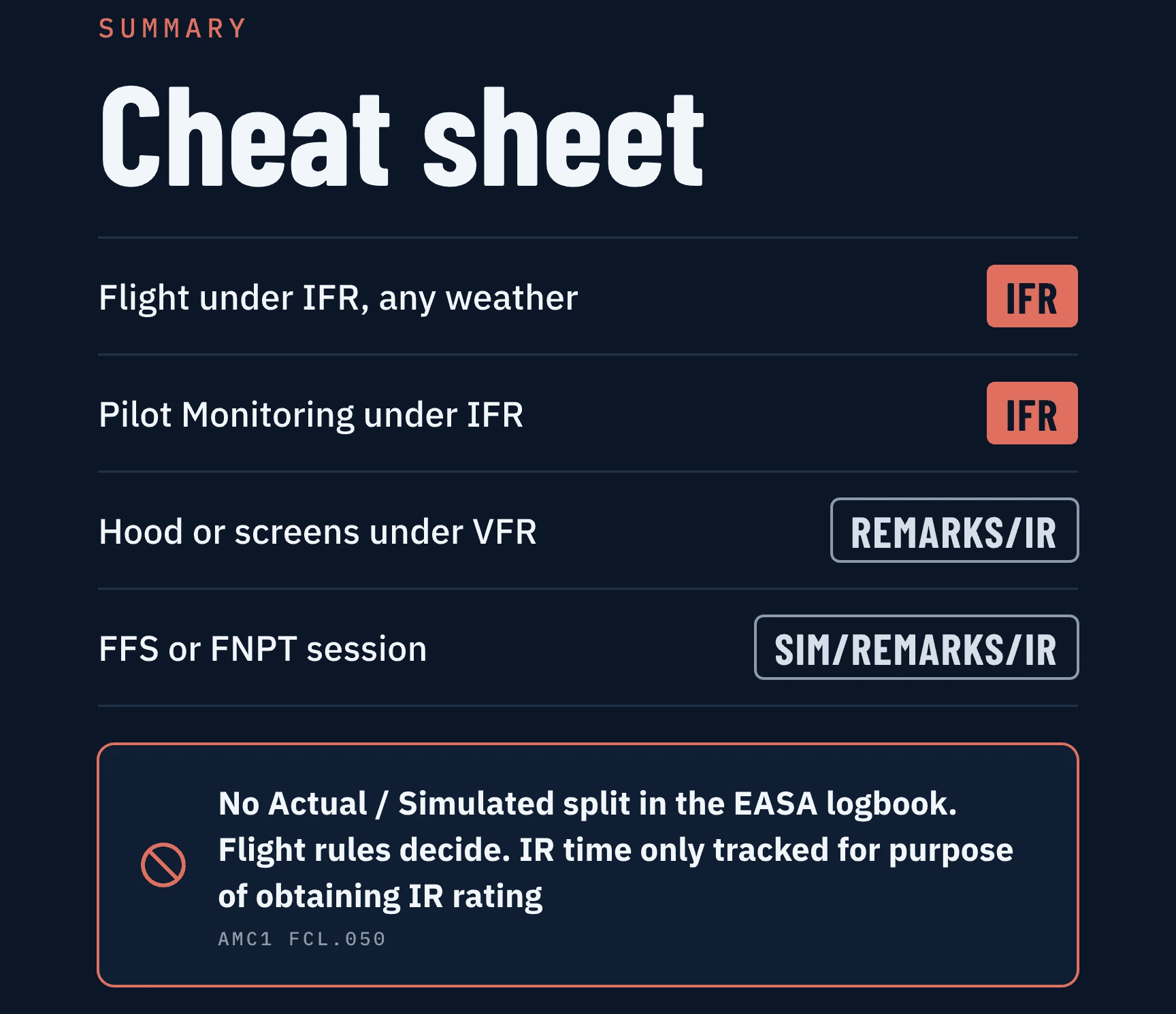
Situation | Where it goes |
|---|---|
Flight under IFR, any weather | IFR |
Pilot Monitoring under IFR | IFR |
Hood or screens under VFR | Remarks / IR |
FFS or FNPT session | SIM / Remarks / IR |
There is no Actual / Simulated split in the EASA logbook. Flight rules decide. IR time is only tracked for the purpose of obtaining an IR rating (AMC1 FCL.050).
One important caveat
Everything above is the EASA perspective (Part-FCL, FCL.010, FCL.050 and AMC1 FCL.050). Rules vary by authority and operator, so always confirm with your CAA, your ATO and your airline before filling in your logbook.
Flying under the FAA? An FAA version of this guide is coming, so follow along.

